Купить Ashampoo Snap 17 License Key
Content: text (0 symbol)
Available: 20
Uploaded: 28.09.2026
Positive responses: 0
Negative responses: 0
Sold: 0
Refunds: 0
$9.57
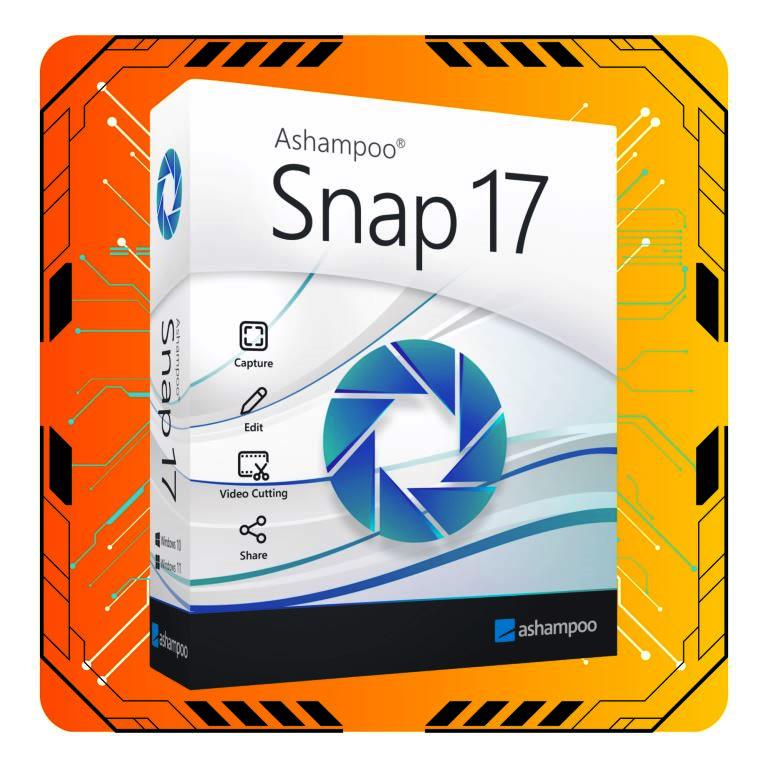
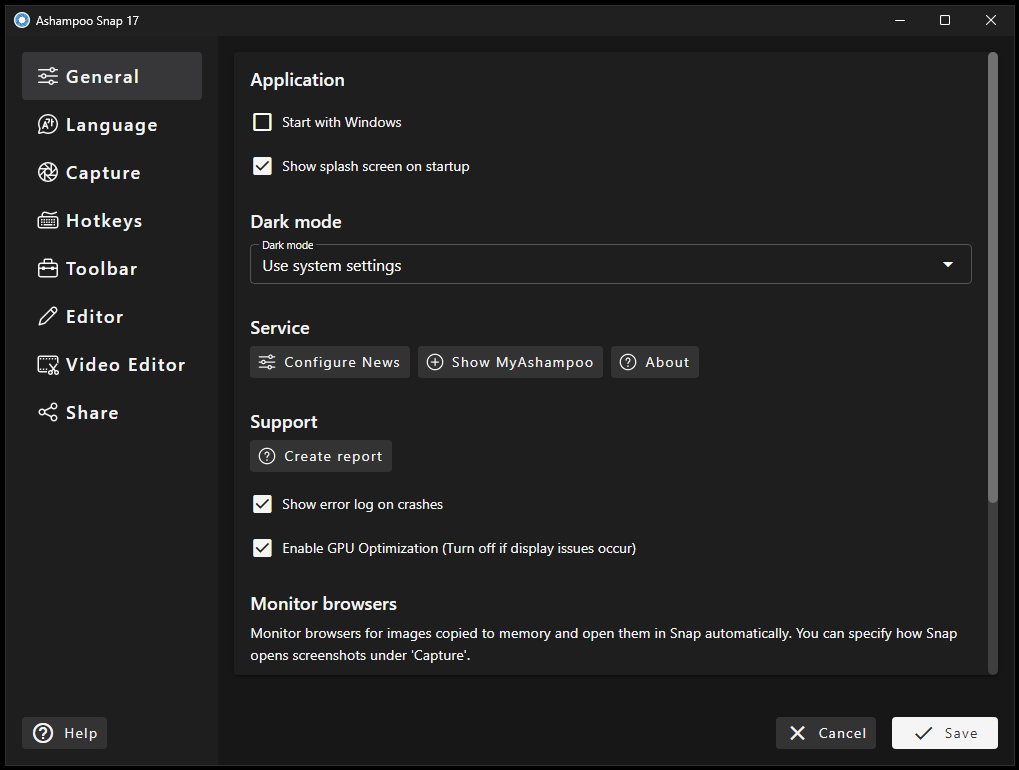
🖥️ Ashampoo Snap 17 🖥️
💗 A comprehensive screen capture and video recording workstation featuring a streamlined quick-access workflow, an upgraded multi-cut video editor, and advanced scrolling capture for technical documentation and tutorial creation. 💗
Software Features
🛠️ Powered by a Redesigned Quick Access Bar placing core capture modes, object manipulation, undo/redo controls, and sharing shortcuts in an immediate floating toolbar.
🛠️ Includes an Upgraded Video Editor & Cutter allowing you to place multiple cut markers simultaneously, and extract individual high-resolution stills.
🛠️ Features Flexible Video & Audio Export, converting recordings into MP4 (H.264), animated GIFs, or extracting pure audio tracks (MP3) directly from captured clips.
🛠️ Comprehensive visual annotation toolkit featuring arrows, shapes, adaptive contrast highlighters, and data-blur privacy tools.
🛠️ Full-screen 3D Game & DirectX Capture Mode to grab clean gameplay moments and high-motion graphics without frame drops.
🛠️ And many more...
Software Spesification
🖥️ System Requirements: Windows 10, 11
🌐 Internet connection is required to activate the program (license key)
License Spesification
🔑 After payment, you instantly receive license key in the form of (XXXXXX-XXXXXX-XXXXXX)
🔑 Valid for a lifetime (Ashampoo Snap 17)
How to use license
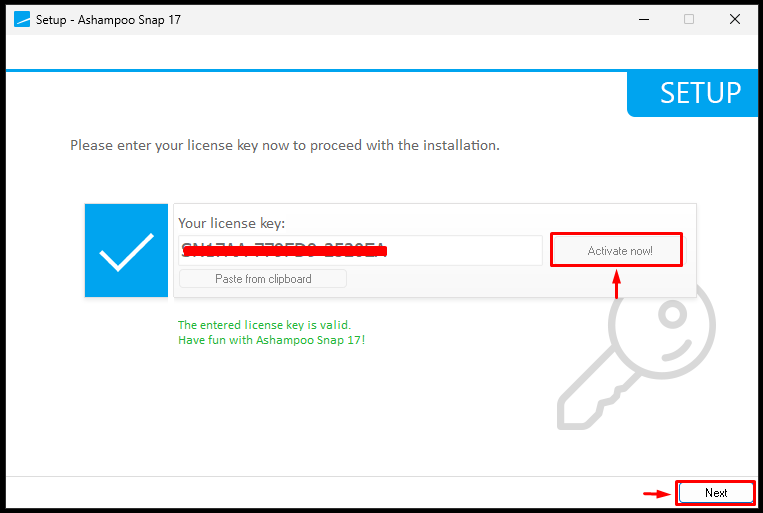
🔐 Follow the instructions during the program installation, then go to the "Activate now" in menu.
Troubleshooting guidelines
❌ Do not write negative reviews.
✅ Go to "chat" tab and explain the problem.
✅ We will response within 24 hours.
✅ For effective communication, we may request you to record a video confirming your activation attempt (using the purchased key).
💗 A comprehensive screen capture and video recording workstation featuring a streamlined quick-access workflow, an upgraded multi-cut video editor, and advanced scrolling capture for technical documentation and tutorial creation. 💗
Software Features
🛠️ Powered by a Redesigned Quick Access Bar placing core capture modes, object manipulation, undo/redo controls, and sharing shortcuts in an immediate floating toolbar.
🛠️ Includes an Upgraded Video Editor & Cutter allowing you to place multiple cut markers simultaneously, and extract individual high-resolution stills.
🛠️ Features Flexible Video & Audio Export, converting recordings into MP4 (H.264), animated GIFs, or extracting pure audio tracks (MP3) directly from captured clips.
🛠️ Comprehensive visual annotation toolkit featuring arrows, shapes, adaptive contrast highlighters, and data-blur privacy tools.
🛠️ Full-screen 3D Game & DirectX Capture Mode to grab clean gameplay moments and high-motion graphics without frame drops.
🛠️ And many more...
Software Spesification
🖥️ System Requirements: Windows 10, 11
🌐 Internet connection is required to activate the program (license key)
License Spesification
🔑 After payment, you instantly receive license key in the form of (XXXXXX-XXXXXX-XXXXXX)
🔑 Valid for a lifetime (Ashampoo Snap 17)
How to use license
🔐 Follow the instructions during the program installation, then go to the "Activate now" in menu.
Troubleshooting guidelines
❌ Do not write negative reviews.
✅ Go to "chat" tab and explain the problem.
✅ We will response within 24 hours.
✅ For effective communication, we may request you to record a video confirming your activation attempt (using the purchased key).
No feedback yet