Купить Microsoft Windows 11 Home / Pro / Enterprise — Genuine Live Key — Instant Activation
Content: text (0 symbol)
Available: 1
Uploaded:
Positive responses: 0
Negative responses: 0
Sold: 0
Refunds: 0
$3.27
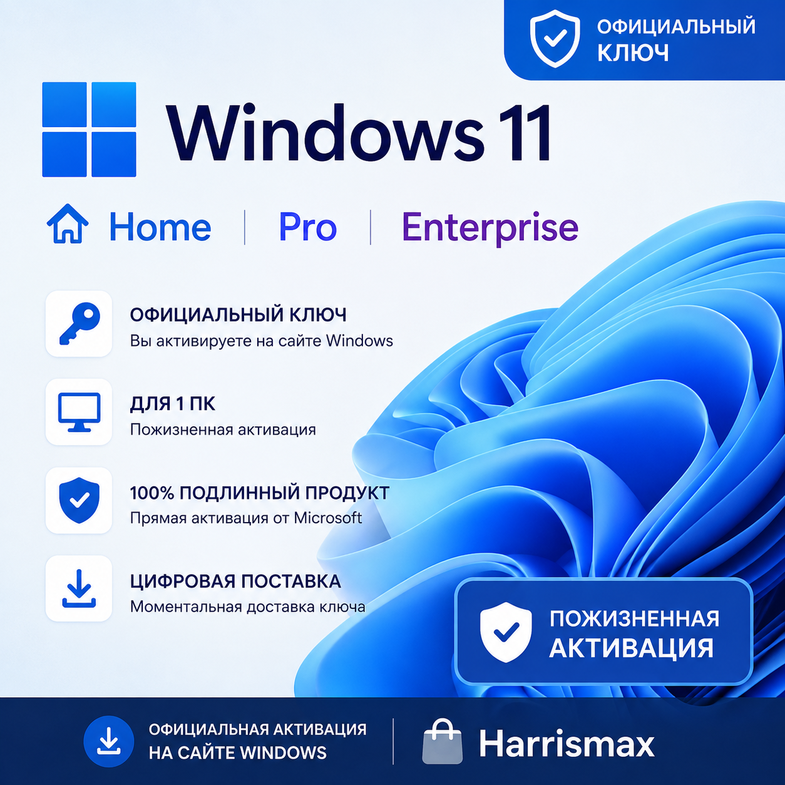
💻 Choose Your Windows 11 Edition
This product includes three different Windows 11 editions in one listing:
1. Windows 11 Home
2. Windows 11 Pro
3. Windows 11 Enterprise
Please select the correct edition before completing your purchase.
These are live product keys that can be applied directly inside Windows for activation.
✨ MAIN BENEFITS
✅ Genuine Windows 11 product key
✅ Windows 11 Home, Pro, and Enterprise options available
✅ Live key
✅ Apply directly in Windows
✅ No complicated activation process
✅ Fast digital delivery
✅ One-time activation
✅ No recurring subscription
✅ Suitable for a single PC
✅ Simple and quick activation
✅ No physical product required
🟦 WINDOWS 11 HOME
Windows 11 Home is designed for everyday users who want a modern, secure, and smooth Windows experience.
It is a great choice for:
✅ Home computers
✅ Personal laptops
✅ Gaming PCs
✅ Students
✅ Everyday productivity
✅ Entertainment and general use
🟪 WINDOWS 11 PRO
Windows 11 Pro includes the core Windows 11 experience together with additional professional and business features.
It is ideal for:
✅ Professionals
✅ Business users
✅ Workstations
✅ Remote work
✅ Small businesses
✅ Advanced Windows users
Windows 11 Pro includes additional professional features compared with the Home edition.
⬛ WINDOWS 11 ENTERPRISE
Windows 11 Enterprise is designed for business and organizational environments that require advanced management, security, and enterprise functionality.
It is suitable for:
✅ Business environments
✅ Enterprise users
✅ Professional workstations
✅ Advanced management requirements
✅ Organizational deployments
🔑 HOW TO ACTIVATE WINDOWS 11
The activation process is simple because the product key can be entered directly into Windows.
1. Open Windows Settings
2. Go to System
3. Open Activation
4. Select Change Product Key
5. Enter the Windows 11 product key provided with your order
6. Select Next
7. Connect your computer to the internet
8. Windows will verify the key
9. Complete the activation
10. Your Windows 11 edition will be activated
⚡ DIRECT WINDOWS ACTIVATION
✅ No external activation software
✅ No third-party activation tools
✅ No complicated installation process
✅ Enter the key directly inside Windows
✅ Online activation
✅ Fast and simple process
🔎 WHICH VERSION SHOULD I CHOOSE?
🟦 Choose Windows 11 Home if you need:
✅ Windows for personal use
✅ Gaming
✅ Home computer
✅ Everyday applications
✅ Browsing and entertainment
✅ Standard Windows 11 features
🟪 Choose Windows 11 Pro if you need:
✅ Professional Windows features
✅ Business use
✅ Remote work
✅ Advanced security and management features
✅ Professional workstation
✅ More functionality than Windows 11 Home
⬛ Choose Windows 11 Enterprise if you need:
✅ Enterprise-oriented Windows features
✅ Advanced organizational management
✅ Business or corporate environment
✅ Enterprise security capabilities
✅ Professional or organizational use
📩 DIGITAL DELIVERY
This is a digital product.
After your order is completed, you will receive:
✅ Windows 11 product key
✅ Activation instructions
✅ Digital delivery
✅ No physical shipping required
No DVD, USB drive, retail box, or printed product will be shipped.
This product includes three different Windows 11 editions in one listing:
1. Windows 11 Home
2. Windows 11 Pro
3. Windows 11 Enterprise
Please select the correct edition before completing your purchase.
These are live product keys that can be applied directly inside Windows for activation.
✨ MAIN BENEFITS
✅ Genuine Windows 11 product key
✅ Windows 11 Home, Pro, and Enterprise options available
✅ Live key
✅ Apply directly in Windows
✅ No complicated activation process
✅ Fast digital delivery
✅ One-time activation
✅ No recurring subscription
✅ Suitable for a single PC
✅ Simple and quick activation
✅ No physical product required
🟦 WINDOWS 11 HOME
Windows 11 Home is designed for everyday users who want a modern, secure, and smooth Windows experience.
It is a great choice for:
✅ Home computers
✅ Personal laptops
✅ Gaming PCs
✅ Students
✅ Everyday productivity
✅ Entertainment and general use
🟪 WINDOWS 11 PRO
Windows 11 Pro includes the core Windows 11 experience together with additional professional and business features.
It is ideal for:
✅ Professionals
✅ Business users
✅ Workstations
✅ Remote work
✅ Small businesses
✅ Advanced Windows users
Windows 11 Pro includes additional professional features compared with the Home edition.
⬛ WINDOWS 11 ENTERPRISE
Windows 11 Enterprise is designed for business and organizational environments that require advanced management, security, and enterprise functionality.
It is suitable for:
✅ Business environments
✅ Enterprise users
✅ Professional workstations
✅ Advanced management requirements
✅ Organizational deployments
🔑 HOW TO ACTIVATE WINDOWS 11
The activation process is simple because the product key can be entered directly into Windows.
1. Open Windows Settings
2. Go to System
3. Open Activation
4. Select Change Product Key
5. Enter the Windows 11 product key provided with your order
6. Select Next
7. Connect your computer to the internet
8. Windows will verify the key
9. Complete the activation
10. Your Windows 11 edition will be activated
⚡ DIRECT WINDOWS ACTIVATION
✅ No external activation software
✅ No third-party activation tools
✅ No complicated installation process
✅ Enter the key directly inside Windows
✅ Online activation
✅ Fast and simple process
🔎 WHICH VERSION SHOULD I CHOOSE?
🟦 Choose Windows 11 Home if you need:
✅ Windows for personal use
✅ Gaming
✅ Home computer
✅ Everyday applications
✅ Browsing and entertainment
✅ Standard Windows 11 features
🟪 Choose Windows 11 Pro if you need:
✅ Professional Windows features
✅ Business use
✅ Remote work
✅ Advanced security and management features
✅ Professional workstation
✅ More functionality than Windows 11 Home
⬛ Choose Windows 11 Enterprise if you need:
✅ Enterprise-oriented Windows features
✅ Advanced organizational management
✅ Business or corporate environment
✅ Enterprise security capabilities
✅ Professional or organizational use
📩 DIGITAL DELIVERY
This is a digital product.
After your order is completed, you will receive:
✅ Windows 11 product key
✅ Activation instructions
✅ Digital delivery
✅ No physical shipping required
No DVD, USB drive, retail box, or printed product will be shipped.
📋 ADDITIONAL INFORMATION
1. Product: Microsoft Windows 11
2. Available Editions: Home / Pro / Enterprise
3. Platform: Windows PC
4. Delivery Type: Digital
5. Activation Method: Direct Windows activation
6. Product Key Type: Live digital key
7. Activation Location: Windows Settings → System → Activation
8. Internet Connection: Required for online activation
9. Subscription: No recurring subscription
10. Number of Devices: 1 PC
11. Physical Delivery: No
12. Installation Media: Not included unless otherwise stated
13. Activation Assistance: Instructions included
⚠️ PLEASE CHECK BEFORE PURCHASING
✅ Select the correct Windows 11 edition before placing your order
✅ Windows 11 Home key activates the Home edition
✅ Windows 11 Pro key activates the Pro edition
✅ Windows 11 Enterprise key activates the Enterprise edition
✅ Make sure your installed Windows edition matches the product you purchase
✅ The key can be entered directly into the Windows activation settings
✅ An internet connection is recommended for activation
1. Product: Microsoft Windows 11
2. Available Editions: Home / Pro / Enterprise
3. Platform: Windows PC
4. Delivery Type: Digital
5. Activation Method: Direct Windows activation
6. Product Key Type: Live digital key
7. Activation Location: Windows Settings → System → Activation
8. Internet Connection: Required for online activation
9. Subscription: No recurring subscription
10. Number of Devices: 1 PC
11. Physical Delivery: No
12. Installation Media: Not included unless otherwise stated
13. Activation Assistance: Instructions included
⚠️ PLEASE CHECK BEFORE PURCHASING
✅ Select the correct Windows 11 edition before placing your order
✅ Windows 11 Home key activates the Home edition
✅ Windows 11 Pro key activates the Pro edition
✅ Windows 11 Enterprise key activates the Enterprise edition
✅ Make sure your installed Windows edition matches the product you purchase
✅ The key can be entered directly into the Windows activation settings
✅ An internet connection is recommended for activation
No feedback yet