Купить Nova PDF Lite 11 Lifetime Key Global
Content: text (0 symbol)
Available: 10
Uploaded: 28.06.2026
Positive responses: 0
Negative responses: 0
Sold: 0
Refunds: 0
$3.99
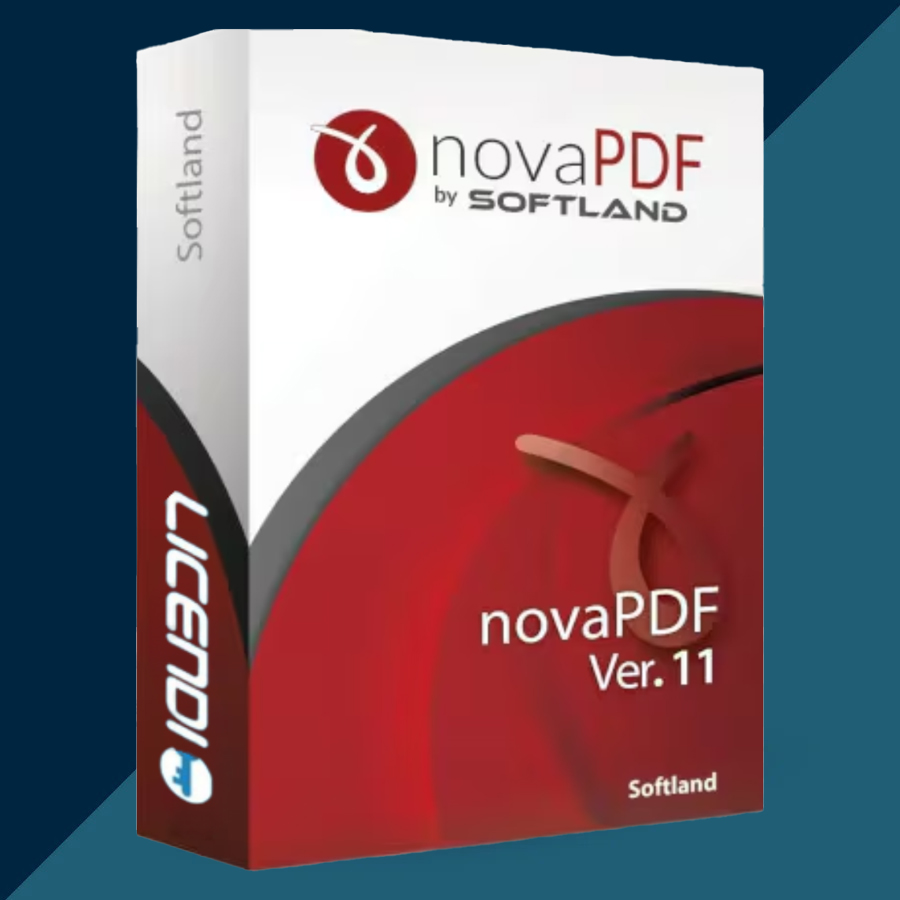
🤝 GUARANTEED INSTANT DELIVERY 🤝
⚡ NovaPDF Lite 11 Lifetime License Key | 1 PC | Windows | GLOBAL ⚡
📌 PRODUCT OVERVIEW
novaPDF Lite 11 is an easy-to-use PDF creator for Windows. It works as a virtual printer, allowing you to create PDF files from almost any program that includes a Print option.
Simply open your document, image, web page, spreadsheet, email, or other printable file, choose novaPDF from the printer list, and save it as a PDF.
It is ideal for users who need a simple, reliable way to create professional PDF documents without a subscription.
⭐ MAIN FEATURES
✅ Create PDF files from any Windows application with a Print option
✅ Convert Word, Excel, PowerPoint, images, web pages, emails, and more to PDF
✅ Easy virtual PDF printer workflow
✅ Create high-quality and searchable PDF documents
✅ PDF/A compliance for long-term document archiving
✅ Create PDFs with clickable links
✅ Support for PDF bookmarks
✅ Choose page size, orientation, resolution, and document information
✅ Quick and simple installation for Windows users
🖥 SYSTEM REQUIREMENTS
• Operating System: Windows 11, Windows 10, Windows 8/8.1, Windows 7, or Windows Vista
• Architecture: 32-bit and 64-bit Windows supported
• Also compatible with supported Windows Server editions
• Administrator rights are required for installation
• Internet connection recommended for online activation
🔑 LICENSE DETAILS
• Product: novaPDF Lite 11
• License Type: Lifetime / Perpetual License
• Devices: 1 Windows PC
• Region: GLOBAL – works worldwide
• Activation: Product Key / License Key
• Payment Type: One-time purchase – no monthly or yearly subscription
• Version: novaPDF Lite 11
📦 WHAT YOU WILL RECEIVE
• 1× novaPDF Lite 11 License Key
• Digital delivery only
🛠 HOW TO INSTALL & ACTIVATE
Download and install novaPDF version 11 from the official novaPDF website.
Run the installer and complete the setup.
Open novaPDF Printer Manager.
Go to Licensing and choose Activation.
Enter the license key provided after purchase.
Click Next and complete online activation.
To create a PDF, open any printable file, select Print, choose novaPDF, then save your new PDF file.
⚠️ IMPORTANT NOTES
• This product is for novaPDF Lite 11 only.
• It is not novaPDF Standard or novaPDF Professional.
• The Lite edition is mainly for PDF creation and does not include advanced Professional features such as PDF encryption, digital signatures, email/FTP delivery, or overlays.
• License is intended for one PC only.
• This is a digital product; no physical item will be shipped.
• Lifetime access applies to the purchased version 11 license. Future major-version upgrades are not included unless separately offered.
• For support, use the order page to contact us.
⚡ NovaPDF Lite 11 Lifetime License Key | 1 PC | Windows | GLOBAL ⚡
📌 PRODUCT OVERVIEW
novaPDF Lite 11 is an easy-to-use PDF creator for Windows. It works as a virtual printer, allowing you to create PDF files from almost any program that includes a Print option.
Simply open your document, image, web page, spreadsheet, email, or other printable file, choose novaPDF from the printer list, and save it as a PDF.
It is ideal for users who need a simple, reliable way to create professional PDF documents without a subscription.
⭐ MAIN FEATURES
✅ Create PDF files from any Windows application with a Print option
✅ Convert Word, Excel, PowerPoint, images, web pages, emails, and more to PDF
✅ Easy virtual PDF printer workflow
✅ Create high-quality and searchable PDF documents
✅ PDF/A compliance for long-term document archiving
✅ Create PDFs with clickable links
✅ Support for PDF bookmarks
✅ Choose page size, orientation, resolution, and document information
✅ Quick and simple installation for Windows users
🖥 SYSTEM REQUIREMENTS
• Operating System: Windows 11, Windows 10, Windows 8/8.1, Windows 7, or Windows Vista
• Architecture: 32-bit and 64-bit Windows supported
• Also compatible with supported Windows Server editions
• Administrator rights are required for installation
• Internet connection recommended for online activation
🔑 LICENSE DETAILS
• Product: novaPDF Lite 11
• License Type: Lifetime / Perpetual License
• Devices: 1 Windows PC
• Region: GLOBAL – works worldwide
• Activation: Product Key / License Key
• Payment Type: One-time purchase – no monthly or yearly subscription
• Version: novaPDF Lite 11
📦 WHAT YOU WILL RECEIVE
• 1× novaPDF Lite 11 License Key
• Digital delivery only
🛠 HOW TO INSTALL & ACTIVATE
Download and install novaPDF version 11 from the official novaPDF website.
Run the installer and complete the setup.
Open novaPDF Printer Manager.
Go to Licensing and choose Activation.
Enter the license key provided after purchase.
Click Next and complete online activation.
To create a PDF, open any printable file, select Print, choose novaPDF, then save your new PDF file.
⚠️ IMPORTANT NOTES
• This product is for novaPDF Lite 11 only.
• It is not novaPDF Standard or novaPDF Professional.
• The Lite edition is mainly for PDF creation and does not include advanced Professional features such as PDF encryption, digital signatures, email/FTP delivery, or overlays.
• License is intended for one PC only.
• This is a digital product; no physical item will be shipped.
• Lifetime access applies to the purchased version 11 license. Future major-version upgrades are not included unless separately offered.
• For support, use the order page to contact us.
No feedback yet