Купить 💲 SUPER CHEAP - XBOX GAME PASS ULTIMATE HOME ACTIVATION 1-4-7 MONTHS
Content: text (0 symbol)
Available: 1
Uploaded:
Positive responses: 0
Negative responses: 0
Sold: 0
Refunds: 0
$9.5
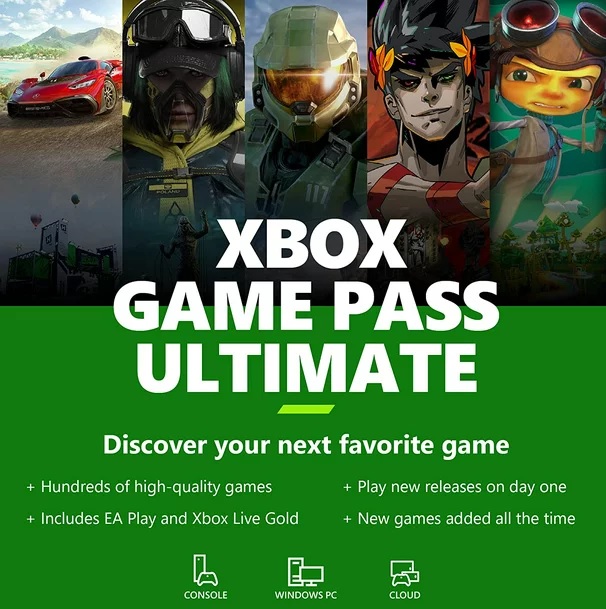
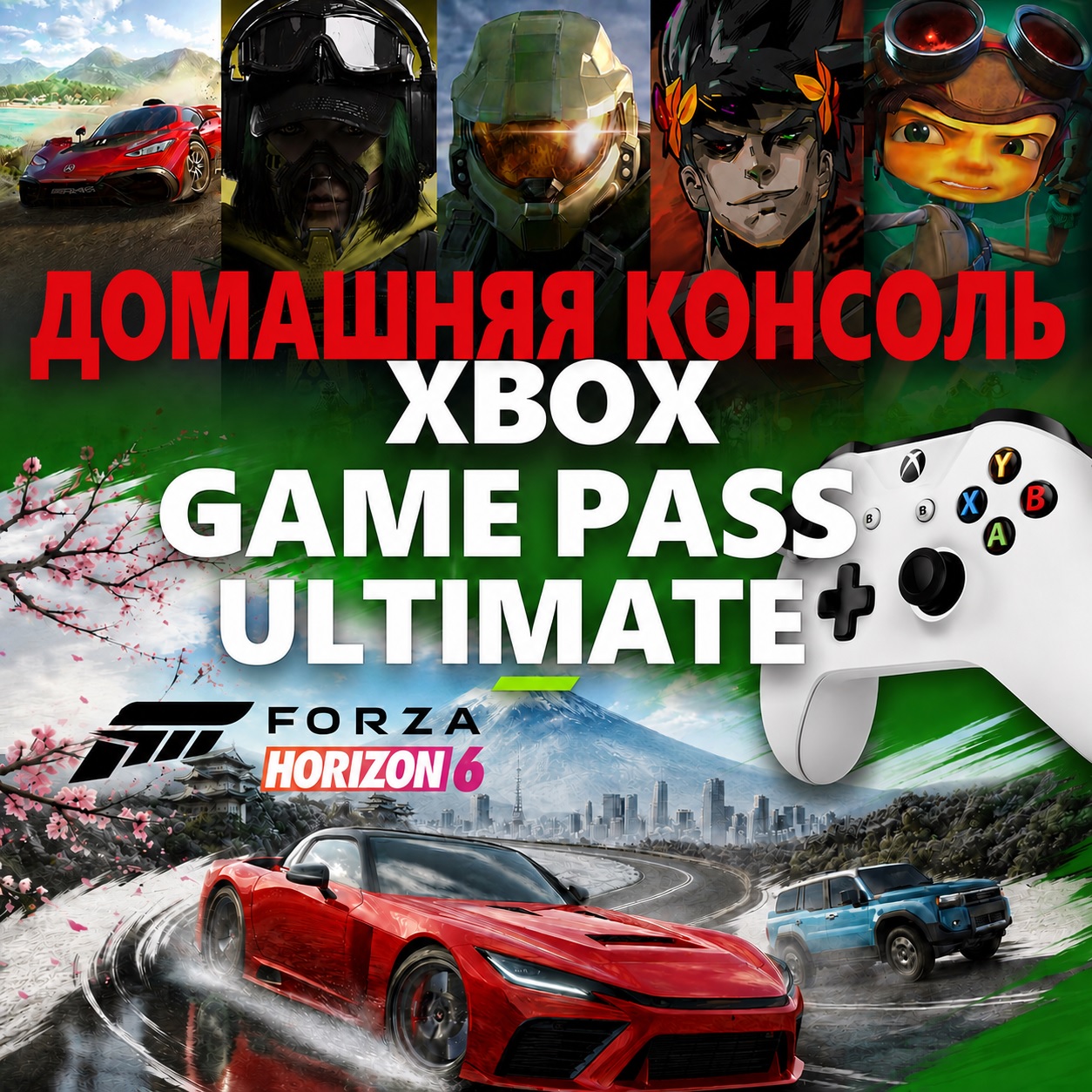
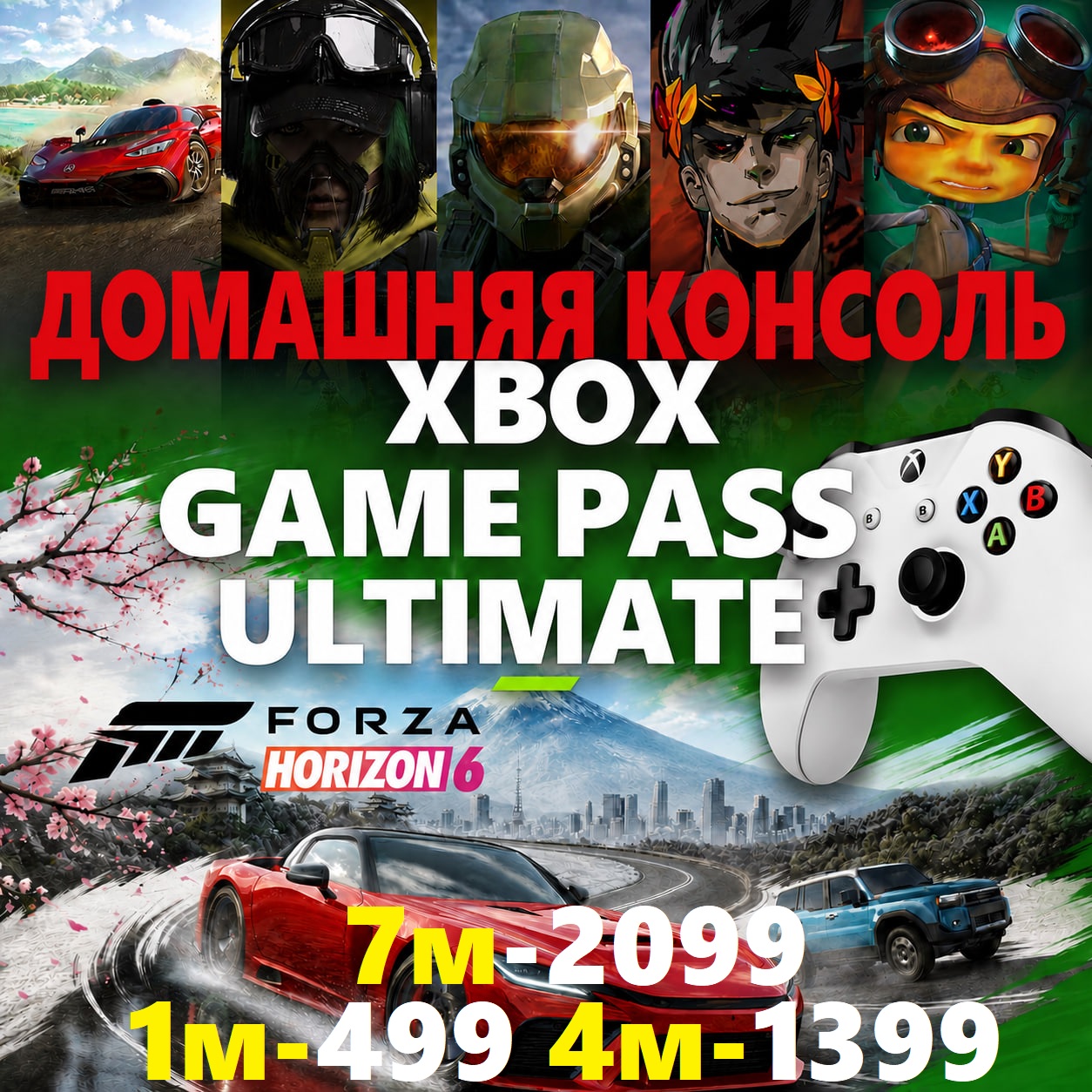
We´ll give you the lowest price and fastest service!
Purchase without commission - use the Palych SBP or Enot SBP payment methods..
Log in to your console using the account you received.
Set this console as your home console.
Be sure to sign out of this account.
Play using your personal account.
After activating your home console, the subscription is linked to your Xbox and applies to all your personal accounts on this console.
Who is this subscription for? 👍
This is the most affordable alternative to a full subscription. Suitable if you:
Enjoy story-driven games and campaigns
Play primarily solo
Want to save a lot of money 💰
Who should avoid buying ❌
Not recommended if:
Play online or with friends
Need multiplayer
Play on PC
Plan on frequently resetting your console to factory settings
Benefits of a Home Subscription:
✅ The subscription works on all your console accounts
✅ Play with your main profile
✅ No crashes or other people´s sessions
✅ No one interferes with your play
❌Prohibited
Share account information with others
Change your password, email, or other data
Make this account your home account on another console
Log in to your account after activation
🔶When might a subscription stop working?
Subscription expired
Console was reset to factory settings
🔶What should I do if my subscription doesn´t work after activation?
Check your home console
Log in to your subscription account → Settings → General → Personalization → My Home Xbox
It should say "This console is my home console."
Restart your console (sometimes it may take 5-10 minutes).
Check if the game is in the Game Pass catalog (games are sometimes removed).
🔶How to download games from your account
Log in to your personal account
Go to My games & apps
Select the Full Library tab
Open the Game Pass, EA Play, and Ubisoft+ sections and install games
🔶If the game won´t install
Possible causes:
The game is only available on Xbox Series X/S (not Xbox One)
Incorrect console region
How to change the region:
Settings → System → Language & Region → Change the country to Turkey → Restart your console.
🔶 Additional question
I already have home accounts. Can I add more?
Yes. You can activate up to 30 home accounts simultaneously on one console.
Purchase without commission - use the Palych SBP or Enot SBP payment methods..
✅ Xbox Game Pass Ultimate Subscription (Home Console)
⚠️ Important to read before purchasing ⚠️
You are purchasing an account activation for an active Game Pass Ultimate subscription for your Home Console.
Only compatible with:
Xbox One X/S
Xbox Series X/S
❌ Not compatible with PC!
❗️ One account can only be designated as a Home Account on one console!
Important Restrictions
This subscription does not include access to online multiplayer or online play.
You can play:
✅ Single-player games
✅ Story campaigns
✅ Games that don´t require a subscription for online play
Free games will work online (without a subscription):
✅ Fortnite
✅ Call of Duty: Warzone
✅ Roblox
✅ World of Tanks
✅ and other free-to-play games
❌If you need multiplayer and online play, this option is not suitable!
What will you receive after payment?
✅ Username and password for an account with an active subscription
✅ Detailed text instructions
✅ Video instructions for activation
❗ How to activate and what to do next⚠️ Important to read before purchasing ⚠️
You are purchasing an account activation for an active Game Pass Ultimate subscription for your Home Console.
Only compatible with:
Xbox One X/S
Xbox Series X/S
❌ Not compatible with PC!
❗️ One account can only be designated as a Home Account on one console!
Important Restrictions
This subscription does not include access to online multiplayer or online play.
You can play:
✅ Single-player games
✅ Story campaigns
✅ Games that don´t require a subscription for online play
Free games will work online (without a subscription):
✅ Fortnite
✅ Call of Duty: Warzone
✅ Roblox
✅ World of Tanks
✅ and other free-to-play games
❌If you need multiplayer and online play, this option is not suitable!
What will you receive after payment?
✅ Username and password for an account with an active subscription
✅ Detailed text instructions
✅ Video instructions for activation
Log in to your console using the account you received.
Set this console as your home console.
Be sure to sign out of this account.
Play using your personal account.
After activating your home console, the subscription is linked to your Xbox and applies to all your personal accounts on this console.
Who is this subscription for? 👍
This is the most affordable alternative to a full subscription. Suitable if you:
Enjoy story-driven games and campaigns
Play primarily solo
Want to save a lot of money 💰
Who should avoid buying ❌
Not recommended if:
Play online or with friends
Need multiplayer
Play on PC
Plan on frequently resetting your console to factory settings
Benefits of a Home Subscription:
✅ The subscription works on all your console accounts
✅ Play with your main profile
✅ No crashes or other people´s sessions
✅ No one interferes with your play
❌Prohibited
Share account information with others
Change your password, email, or other data
Make this account your home account on another console
Log in to your account after activation
🔶When might a subscription stop working?
Subscription expired
Console was reset to factory settings
🔶What should I do if my subscription doesn´t work after activation?
Check your home console
Log in to your subscription account → Settings → General → Personalization → My Home Xbox
It should say "This console is my home console."
Restart your console (sometimes it may take 5-10 minutes).
Check if the game is in the Game Pass catalog (games are sometimes removed).
🔶How to download games from your account
Log in to your personal account
Go to My games & apps
Select the Full Library tab
Open the Game Pass, EA Play, and Ubisoft+ sections and install games
🔶If the game won´t install
Possible causes:
The game is only available on Xbox Series X/S (not Xbox One)
Incorrect console region
How to change the region:
Settings → System → Language & Region → Change the country to Turkey → Restart your console.
🔶 Additional question
I already have home accounts. Can I add more?
Yes. You can activate up to 30 home accounts simultaneously on one console.
🔶 Business hours and support from 9:00 AM to 11:00 PM Moscow time!
❗️ If you have any questions, you can ask them in the "Ask the seller a question" window or on Telegram!
❗️ If you have any questions, you can ask them in the "Ask the seller a question" window or on Telegram!
No feedback yet