Content: text (0 symbol)
Available: 10
Uploaded: 28.12.2025

Positive responses: 0
Negative responses: 0

Sold: 0
Refunds: 0

$9.97
🤝 GUARANTEED INSTANT DELIVERY 🤝

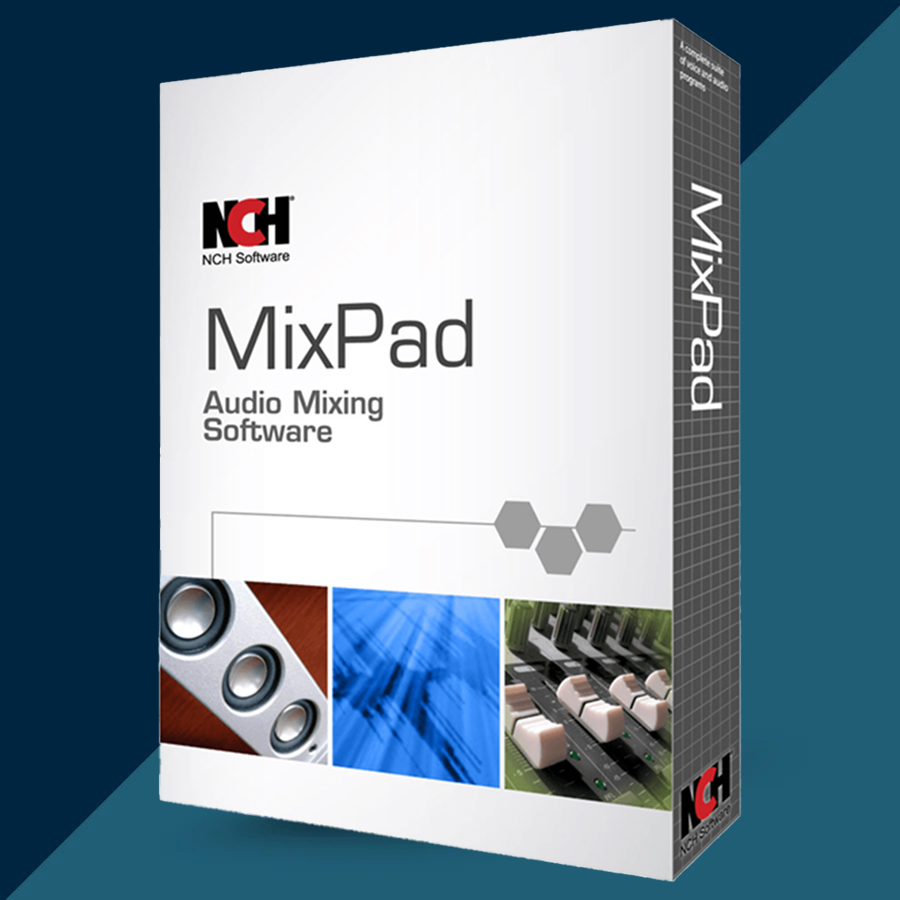
✅ NCH MixPad Multitrack Recording 2026 (Lifetime / 1 PC) — Windows — License Key
⚡ INSTANT DELIVERY ⚡ Digital Key

📌 PRODUCT OVERVIEW:

MixPad is a powerful multitrack recording & mixing software for Windows. Record and mix unlimited tracks, apply studio-quality effects, use VST plugins, and export your finished project in the format you need.

⭐ MAIN FEATURES (HIGHLIGHTS):

✅ Multitrack Recording & Mixing:

• Mix an unlimited number of audio, music, sound, and voice tracks
• Record single or multiple inputs at the same time
• Pan + volume controls, fades, and automation-style editing

✅ Pro Audio Quality + Low Latency:

• Very low latency recording with ASIO support (ideal for accurate monitoring)
• Supports sample rates from 6 kHz to 192 kHz
• Export up to 32-bit floating point audio

✅ Effects, Plugins & Tools:

• Built-in effects: EQ, compression, reverb and more
• VST plugin support (add extra studio effects + instruments)
• Beat designer (create beats or start from a sample pattern)
• Built-in royalty-free sound effects and music library (hundreds of clips)

✅ Wide Format Support:

• Load/import many audio formats (WAV, MP3, WMA, AAC/M4A, FLAC, OGG, AIFF, AU, GSM, VOC, etc.)
• Can also load audio from many video file types (depending on your system codecs)

✅ Export & Sharing Options:

• Export to studio-quality WAV or compressed formats like MP3
• Options to burn to CD or upload/share (available features depend on edition/settings)

✅ MIDI (Workflow Support):

• MIDI playback support + built-in MIDI editor features (where applicable)

🖥 SYSTEM REQUIREMENTS (WINDOWS):

• Works on Windows (7 to 11)
• 64-bit Windows supported

🔑 LICENSE DETAILS:

• License type: Lifetime / Perpetual use (one-time purchase for the purchased version)
• Device limit (this listing): 1 PC
• Region: Global 🌍

📦 WHAT YOU WILL RECEIVE:

✅ 1× Registration / Activation Code (Digital)
(Delivered instantly after payment)

🛠 HOW TO ACTIVATE (REGISTER):

1) Install and open MixPad.
2) Go to: File → Register Software (or click the product name menu → Register).
3) Paste the registration code exactly as provided.
4) Confirm registration and restart the program if prompted.

⚠️ IMPORTANT NOTES:

• Digital delivery only.
• This listing is for 1 PC only.
• If activation fails: re-check copy/paste (no extra spaces) and confirm you installed MixPad (correct edition), then contact me via the order page.
No feedback yet