Купить Gilisoft Screen Recorder 2026 (Lifetime / 1 PC) Key
Content: text (0 symbol)
Available: 9
Uploaded: 27.12.2025
Positive responses: 0
Negative responses: 0
Sold: 1
Refunds: 0
$2.97
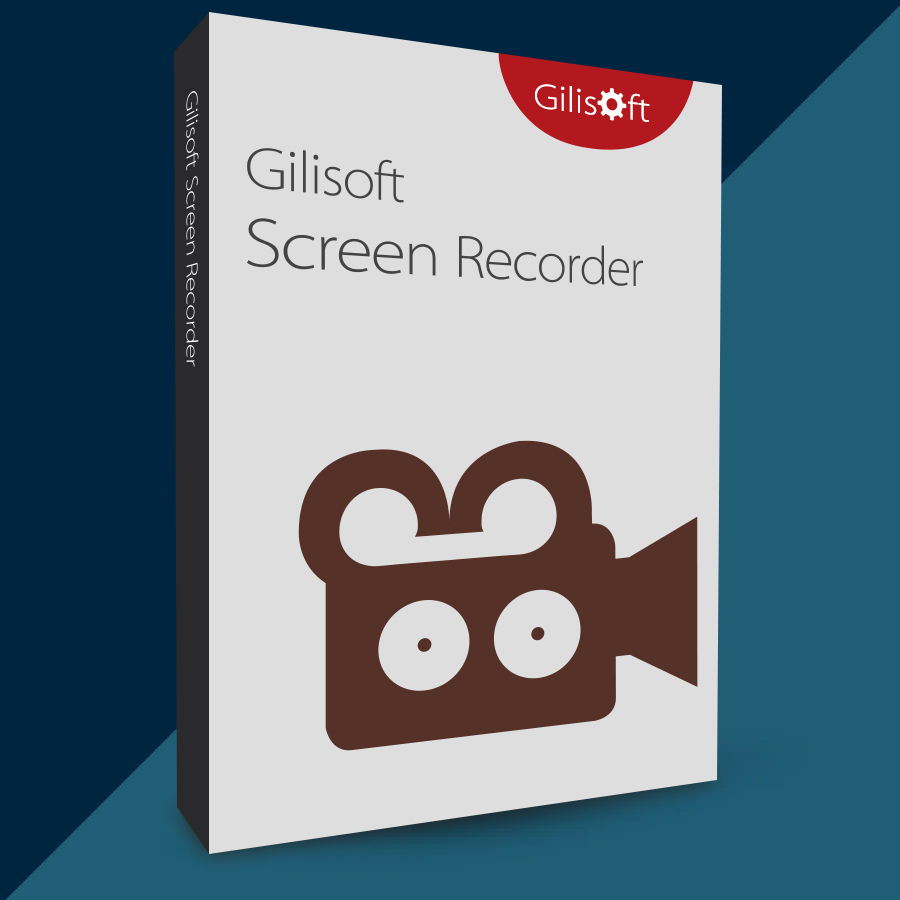
🤝 GUARANTEED INSTANT DELIVERY 🤝
✅ GiliSoft Screen Recorder 2026 (Lifetime / 1 PC) — Windows — License Key
⚡ INSTANT DELIVERY ⚡ Digital Keycode
📌 PRODUCT OVERVIEW:
GiliSoft Screen Recorder is a simple but powerful Windows screen-recording tool for creating:
• Video tutorials & how-to guides
• Software demos & presentations
• Game recording
• Webinars / meetings / video conference recordings
It records your screen plus audio (system sound + microphone) and saves the result as a video file.
⭐ MAIN FEATURES (HIGHLIGHTS):
✅ Multiple Recording Modes:
• Full Screen recording
• Custom Area / Region recording (select a rectangle or choose a window)
• Record games, desktop apps, streaming videos, and web content
✅ Audio Recording Options:
• Record Computer sounds only
• Record Microphone only
• Record BOTH Computer sounds + Microphone (great for tutorials & meetings)
✅ Webcam / External Device Capture:
• Record from webcam and external devices
• (Depending on edition) record screen and webcam together
✅ High-Quality Output + Performance:
• GPU-accelerated H.264 / HEVC recording for smoother performance
• Popular output formats: MP4, AVI, WMV, FLV, H.264 and more
✅ Zoom, Cursor & Click Effects (Tutorial-Friendly):
• Zoom in while recording (up to 4X)
• Show mouse cursor + click sound/click effects
• Hotkeys to start/pause/stop recording quickly
✅ Watermark + Draw on Video (During Recording):
• Add text watermark or image logo
• Draw on video while recording to highlight important areas
✅ Snapshots (Screenshots):
• Capture high-quality screenshots anytime (PNG / JPG / BMP)
✅ Recording Schedule + Auto Stop:
• Schedule recordings to start/stop automatically
• Stop conditions can include time, file size, or recording length
• Countdown before recording + auto-stop so you don’t need to stop manually
🔑 LICENSE DETAILS:
• License type: Lifetime (one-time purchase)
• Device limit: 1 PC (this listing)
📦 WHAT YOU WILL RECEIVE:
✅ 1× Registration Code / Keycode (Digital)
🛠 HOW TO ACTIVATE (REGISTER):
1) Download & install GiliSoft Screen Recorder (trial/installer).
2) Open the software.
3) Click “Register”.
4) Enter your email + the registration code (keycode) provided after purchase.
5) Click “Register” to finish (restart if prompted).
⚠️ IMPORTANT NOTES:
• Digital product only.
• If activation fails: re-check copy/paste (no extra spaces), restart the program, then contact me via the order page.
✅ GiliSoft Screen Recorder 2026 (Lifetime / 1 PC) — Windows — License Key
⚡ INSTANT DELIVERY ⚡ Digital Keycode
📌 PRODUCT OVERVIEW:
GiliSoft Screen Recorder is a simple but powerful Windows screen-recording tool for creating:
• Video tutorials & how-to guides
• Software demos & presentations
• Game recording
• Webinars / meetings / video conference recordings
It records your screen plus audio (system sound + microphone) and saves the result as a video file.
⭐ MAIN FEATURES (HIGHLIGHTS):
✅ Multiple Recording Modes:
• Full Screen recording
• Custom Area / Region recording (select a rectangle or choose a window)
• Record games, desktop apps, streaming videos, and web content
✅ Audio Recording Options:
• Record Computer sounds only
• Record Microphone only
• Record BOTH Computer sounds + Microphone (great for tutorials & meetings)
✅ Webcam / External Device Capture:
• Record from webcam and external devices
• (Depending on edition) record screen and webcam together
✅ High-Quality Output + Performance:
• GPU-accelerated H.264 / HEVC recording for smoother performance
• Popular output formats: MP4, AVI, WMV, FLV, H.264 and more
✅ Zoom, Cursor & Click Effects (Tutorial-Friendly):
• Zoom in while recording (up to 4X)
• Show mouse cursor + click sound/click effects
• Hotkeys to start/pause/stop recording quickly
✅ Watermark + Draw on Video (During Recording):
• Add text watermark or image logo
• Draw on video while recording to highlight important areas
✅ Snapshots (Screenshots):
• Capture high-quality screenshots anytime (PNG / JPG / BMP)
✅ Recording Schedule + Auto Stop:
• Schedule recordings to start/stop automatically
• Stop conditions can include time, file size, or recording length
• Countdown before recording + auto-stop so you don’t need to stop manually
🔑 LICENSE DETAILS:
• License type: Lifetime (one-time purchase)
• Device limit: 1 PC (this listing)
📦 WHAT YOU WILL RECEIVE:
✅ 1× Registration Code / Keycode (Digital)
🛠 HOW TO ACTIVATE (REGISTER):
1) Download & install GiliSoft Screen Recorder (trial/installer).
2) Open the software.
3) Click “Register”.
4) Enter your email + the registration code (keycode) provided after purchase.
5) Click “Register” to finish (restart if prompted).
⚠️ IMPORTANT NOTES:
• Digital product only.
• If activation fails: re-check copy/paste (no extra spaces), restart the program, then contact me via the order page.
No feedback yet