Купить Xbox Game Pass Ultimate (Win10/Xbox) Global 1+1 month
Content: text (0 symbol)
Available: 0
Uploaded:
Positive responses: 105
Negative responses: 0
Sold: 115
Refunds: 0
Seller: GameOkey
information about the seller and its items
Loyalty discount! If the total amount of your purchases from the seller more than:
| $100 | the discount is | 1% |
| $500 | the discount is | 2% |
| $1000 | the discount is | 3% |
$14.36
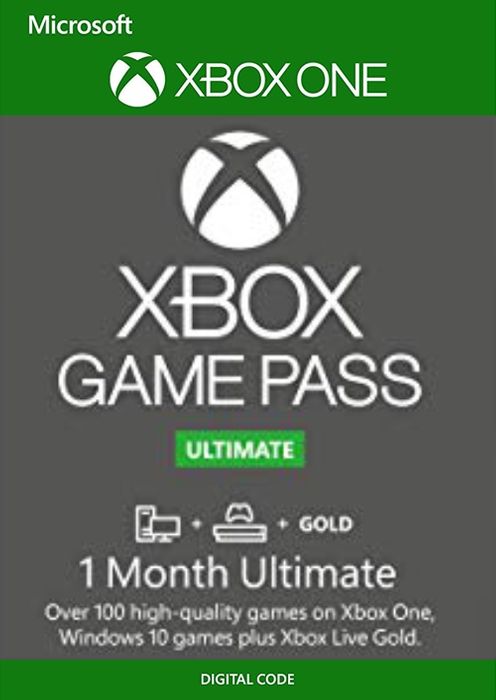
After payment you will receive a code to activate the subscription Xbox Game Pass Ultimate (Win10, Xbox One, S|X) GLOBAL 1 month
During activation, turn on recurring payments and get 1 month free. Auto-renewal of payment can be turned off after activation of the code.
!!!This option ONLY works on new accounts!!!
Activation: Xbox Live (Windows 10, Xbox One, Xbox Series X, Xbox Series S)During activation, turn on recurring payments and get 1 month free. Auto-renewal of payment can be turned off after activation of the code.
!!!This option ONLY works on new accounts!!!
Region: GLOBAL (Code can only be redeemed in regions where Xbox Live is supported. https://www.xbox.com/en-US/regions
List of available games: https://www.xbox.com/en-RU/xbox-game-pass/games
An Xbox Game Pass Ultimate subscription gives you access to a catalog of games for Xbox One, Xbox Series X, Xbox Series S, and Windows 10 PCs. An Ultimate subscription includes Xbox Game Pass for consoles, Xbox Game Pass for PC, and Xbox Live Gold. Xbox Game Pass for PC is not available in South Korea and Turkey.
This key is distributed by digital distribution. And it has no boxes and discs.
Activation using Xbox One / 360 / Series S / Series X console:-Load the Home screen (make sure you are logged in) and navigate to the right to "Store"
-In "Categories" select "Games".
-Select the "Use code" option.
-Select the option "Enter 25 digit code" and enter the code
Activation via web browser:
-Launch a web browser and go to: https://account.microsoft.com/billing/redeem
-Sign in with your Microsoft credentials.
-Enter the activation code and click "Next"; follow the instructions to confirm.
20.09.2023 11:49:08
good
16.06.2023 10:20:47
++
01.06.2023 21:13:46
++
26.04.2023 14:19:12
++
17.04.2023 8:21:45
++
21.02.2023 14:55:48
++
19.02.2023 9:56:53
++
24.12.2022 22:48:04
++
18.12.2022 23:12:01
++
14.12.2022 17:02:18
++
13.12.2022 16:53:09
++
08.12.2022 12:39:19
++
03.12.2022 20:24:09
++
27.11.2022 23:23:34
++
27.11.2022 23:23:26
++